Node graphs as version-controllable artifacts · the dataflow paradigm for image gen
WHY GRAPHS
The image-gen pipeline is a dataflow, not a sequence of calls
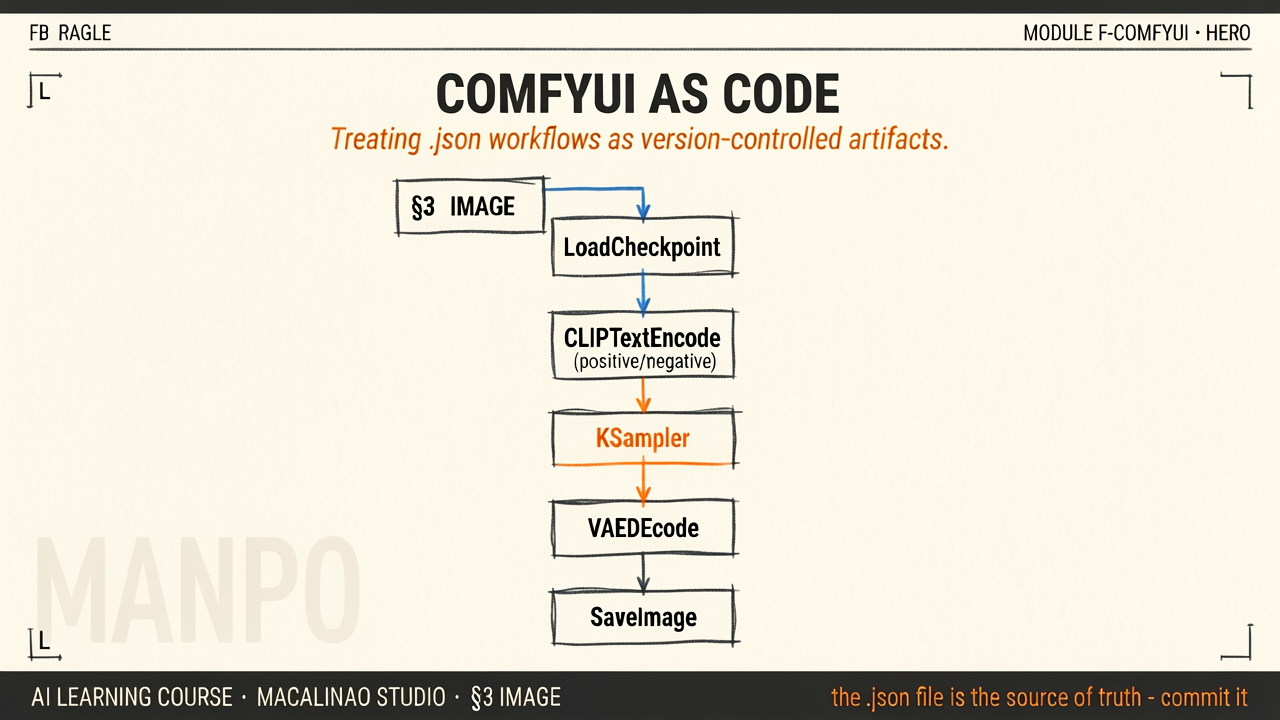
A full image generation involves: load checkpoint, encode positive prompt, encode negative prompt, generate noise latent, KSampler with model + conditioning + latent, VAE decode, save image. Each step has dozens of optional parameters. Linear scripts (the old way) became unmaintainable; ComfyUI's node graph makes the pipeline structure visible and modifiable. One 2026 footnote: guidance-distilled models like the FLUX family take no negative prompt and no classic CFG — their graphs drop the negative-conditioning branch entirely. The canonical graph described here is the SD-era recipe.
GRAPH AS JSON
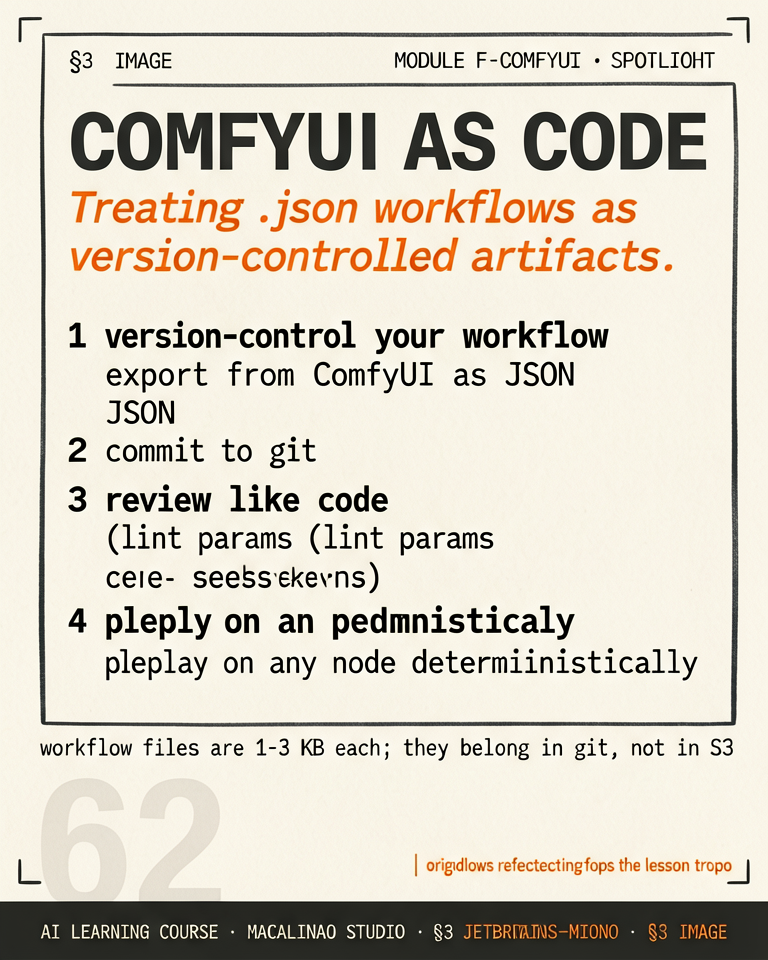
A ComfyUI workflow is a .json file you can version-control
Every node graph serializes to JSON. workflow.json sits next to the output image. Treat it like code: commit it, diff it, share it. A typical Stable Diffusion workflow is 8-15 nodes; an advanced pipeline with ControlNet + IP-Adapter + LoRAs + upscaler easily hits 40-60 nodes. The JSON is the reproducible artifact. Even better for beginners: ComfyUI embeds the full workflow JSON in every output PNG's metadata — drag a generated PNG back onto the canvas and the entire graph that produced it is restored.
CUSTOM NODES
The ecosystem fragments, then re-converges
Anyone can write a custom node in Python. The ComfyUI manager has 1000+ third-party node packs. The downside: custom nodes age fast as the API evolves. Best practice: pin your dependency set, snapshot a Docker image, or accept that production workflows need maintenance. Treat custom nodes like NPM packages — version-pin them or lock them with a manifest.
PRODUCTION DEPLOYMENT
From the desktop UI to a serving endpoint
ComfyUI has a built-in REST API. POST your workflow JSON + any input images, get back a queue ID, poll for completion. The studio pattern: develop interactively in the web UI, save the workflow.json, deploy via the API. RunPod's worker-comfyui and similar community wrappers turn this into proper task queues. The Macalinao Studio Generation Stack centers on this pattern for image / video work.
§ 02
The playground.
Theory above, instrument below. This interactive panel runs live in the page — drag, type, and watch the mechanism respond.