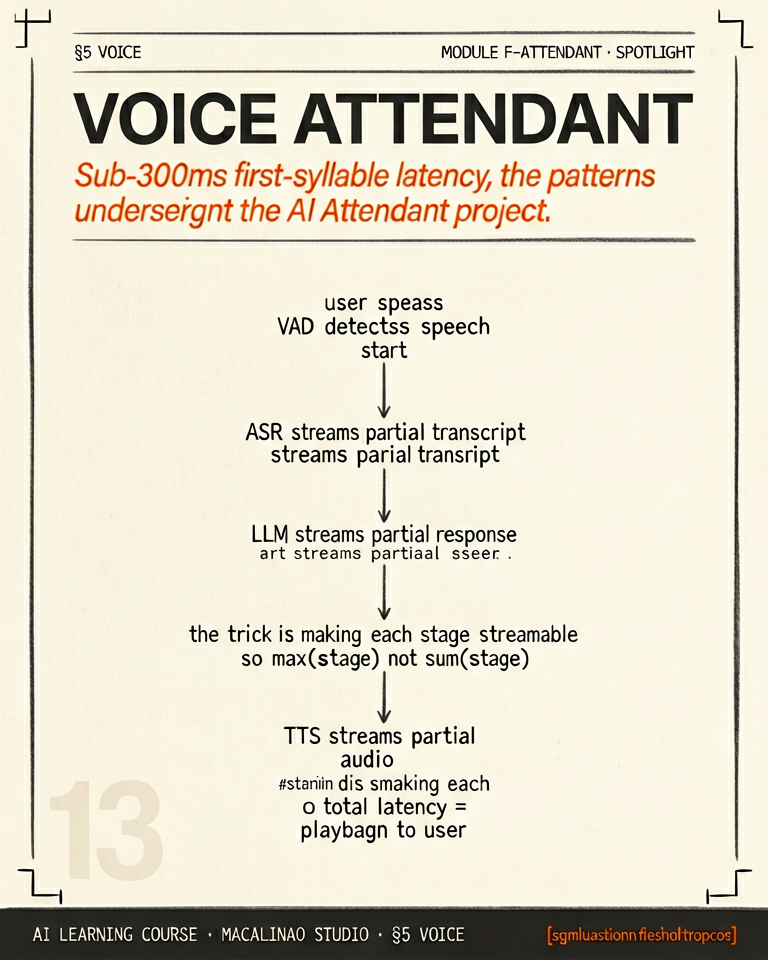
Sub-300ms first-syllable latency · the patterns underneath the AI Attendant project
THE LATENCY BUDGET
Three sub-second pipelines composed end-to-end
A voice attendant needs to feel like a phone call. Latency budget breakdown: (1) Speech-to-text starts decoding before the user stops talking — 100-200ms after silence onset. (2) LLM begins generating after STT first hypothesis — 100-200ms time-to-first-token. (3) TTS begins emitting audio after LLM first sentence — 100-200ms. Total target: under 600ms perceived turn latency. Anything longer and the assistant feels phone-tree.
INTERRUPTION HANDLING
The assistant that interrupts itself loses every conversation
Voice user interfaces have to handle barge-in — the user starts talking while the assistant is speaking. The assistant must (a) detect the user's voice via VAD (voice activity detection), (b) stop its own TTS output mid-syllable, (c) start listening immediately. Without barge-in, the conversation feels like a robot. With it, it feels like a human.
TURN ENDPOINT DETECTION
When does the user actually stop talking?
Simple silence detection ("user paused 500ms, must be done") is wrong. People hesitate mid-sentence. Modern attendants use semantic endpoint detection: the STT hypothesis is fed to a small classifier that decides if the utterance is grammatically complete. Combined with prosodic cues (final intonation contour), this gets endpoint accuracy to ~95%. The studio TTS/STT Audio Sync pipeline uses Picovoice's Cobra VAD + a custom semantic head.
PERSONA AS A FIRST-CLASS ASSET
Voice consistency across calls, sessions, and years
Your attendant's voice is your brand audio. Treat it like a logo: choose once, document the persona (warmth, pace, formality), and never silently swap it. When the underlying TTS provider updates their model, validate the new voice against the persona spec before promoting. The studio approach: clone an internal voice once, lock the voice ID in code, version the voice asset like any other brand artifact.
2026
Cascade vs native speech-to-speech
The classic attendant is a cascade: STT → LLM → TTS. Realtime APIs (gpt-realtime, GA August 2025; Gemini Live) collapse that pipeline into one speech-native model: lower latency, prosody-aware understanding, native barge-in — at the cost of less control and grounding and harder tool orchestration. Cascades remain dominant where tools and model choice matter; full-duplex research models (Moshi) are the horizon. Orchestration frameworks like Pipecat and LiveKit Agents handle the plumbing either way.
Then
Hand-built STT-LLM-TTS cascades with custom VAD and endpoint logic.
Now · June 2026
Realtime speech-to-speech APIs for latency-critical paths; cascades where tools and model choice matter.
§ 02
The playground.
Theory above, instrument below. This interactive panel runs live in the page — drag, type, and watch the mechanism respond.