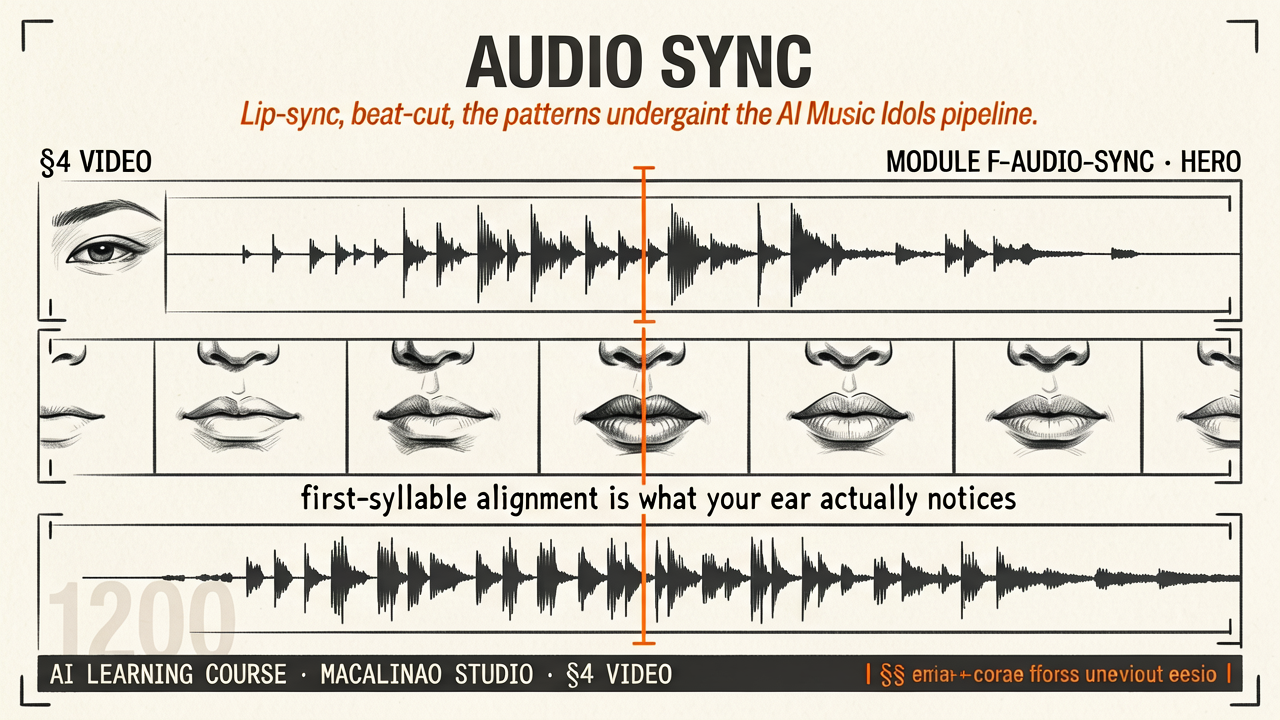
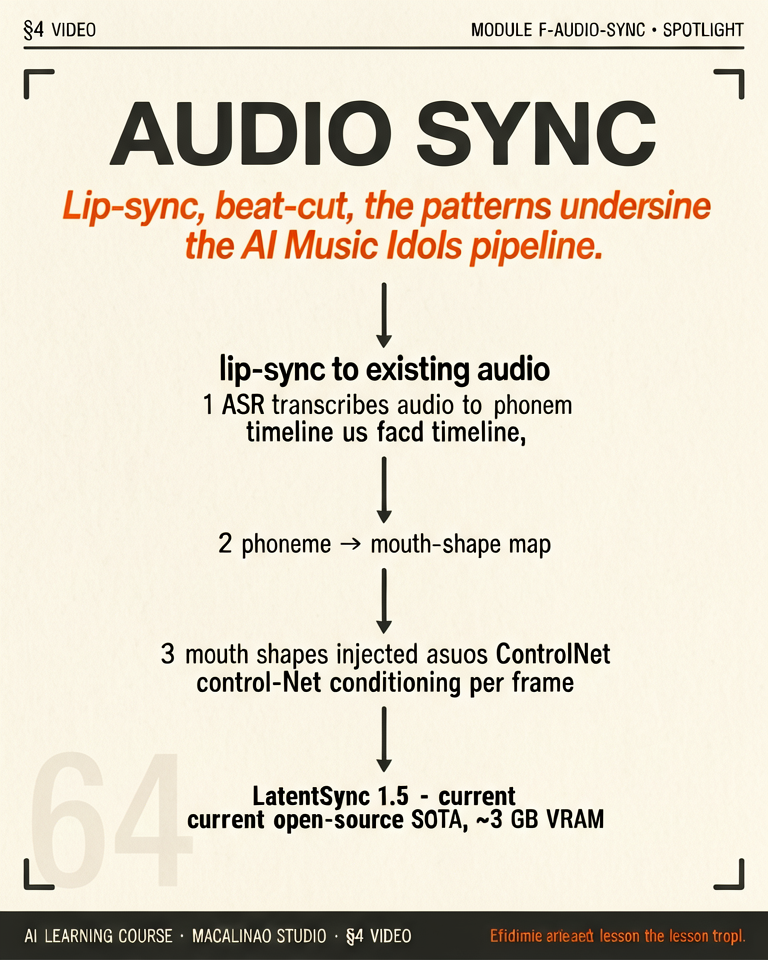
Lip-sync · beat-cut · the patterns underneath the AI Music Idols pipeline
TWO PROBLEMS, ONE TIMELINE
Pre-existing audio drives the video vs vice versa
Two distinct workflows. (A) Audio-driven: you already have music/dialogue and need video synchronized to it. Lock the audio's beat-grid or speech-phoneme-grid, generate visuals on that timeline. (B) Video-driven: you have visuals first, need a soundtrack/dialogue laid over them. Generate or compose audio against the cut. The AI Music Idols pipeline uses (A) almost exclusively — audio is the immovable spine.
LIP-SYNC
Audio-conditioned mouth generation
Lip-sync does not require phoneme alignment. Wav2Lip (2020, the historical baseline) and its successors condition directly on audio features (mel spectrograms or wav2vec embeddings) — the model maps sound to mouth motion without ever naming a phoneme. Phoneme alignment is one approach, used mostly for rig-driven animation where a viseme track drives a 3D face. The current tier: LatentSync for post-hoc video lip-sync, OmniHuman-class audio-driven full-body generation, and avatar products (HeyGen / Hedra-class) for turnkey talking heads; SadTalker is fading.
BEAT-CUT
Music informs the editing pace
Detect beats and energy peaks in the audio (librosa beat_track or Essentia). Use the beat positions as cut points. For a 120 BPM song, that's a potential cut every 0.5s. Don't cut on every beat — usually every 4-8 beats. Energy peaks (drops, builds) become longer holds. Macalinao Studio idol pipeline uses this to drive 90% of the cut decisions automatically.
SYNC AS DELIVERABLE
Treat the locked audio + video edit as the primary artifact
Ship the timeline (a JSON of "audio at 0:00, cut at 0:08.3, ...") alongside the rendered MP4. This makes regeneration easy: if a single shot needs reshooting, you don't lose the audio sync. It also makes the workflow inspectable — you can see why a cut landed where it did.
Then
Generate silent video, bolt on a lip-sync pass.
Now · June 2026
Native audio+video generation (Veo 3 / Sora 2-class) removes the separate pass for generated footage; post-hoc sync remains for dubbing real footage.