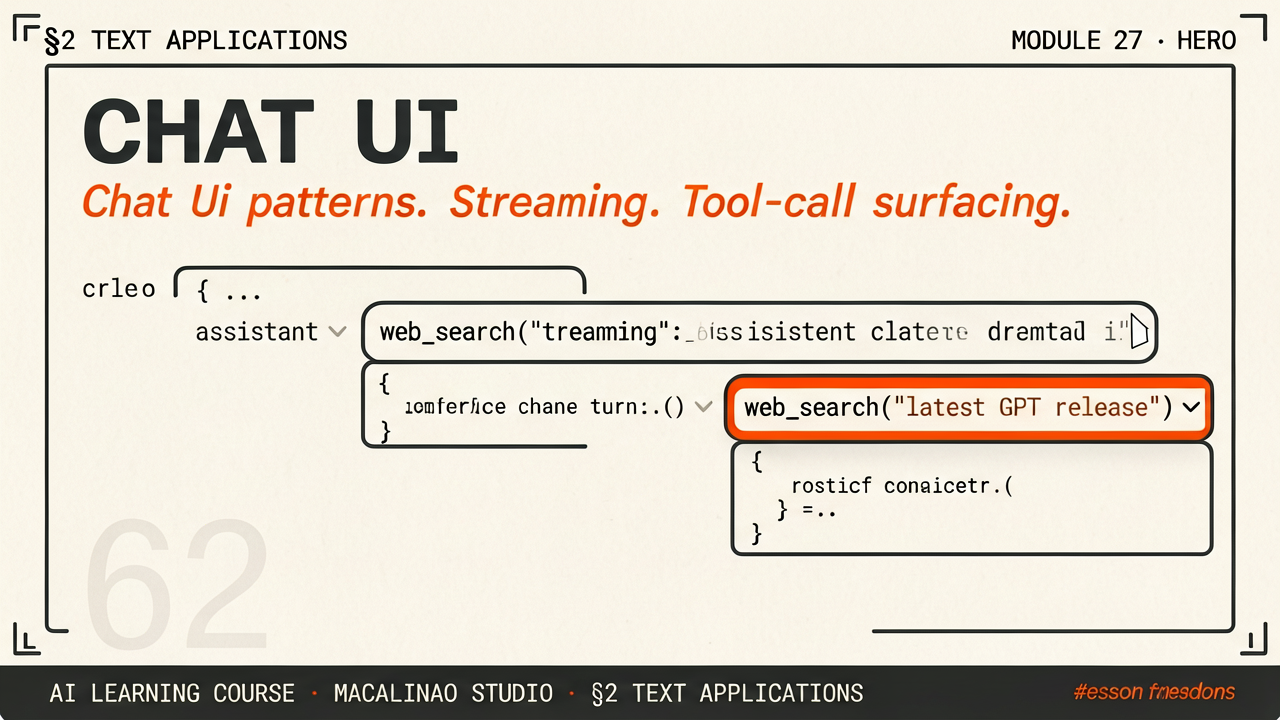
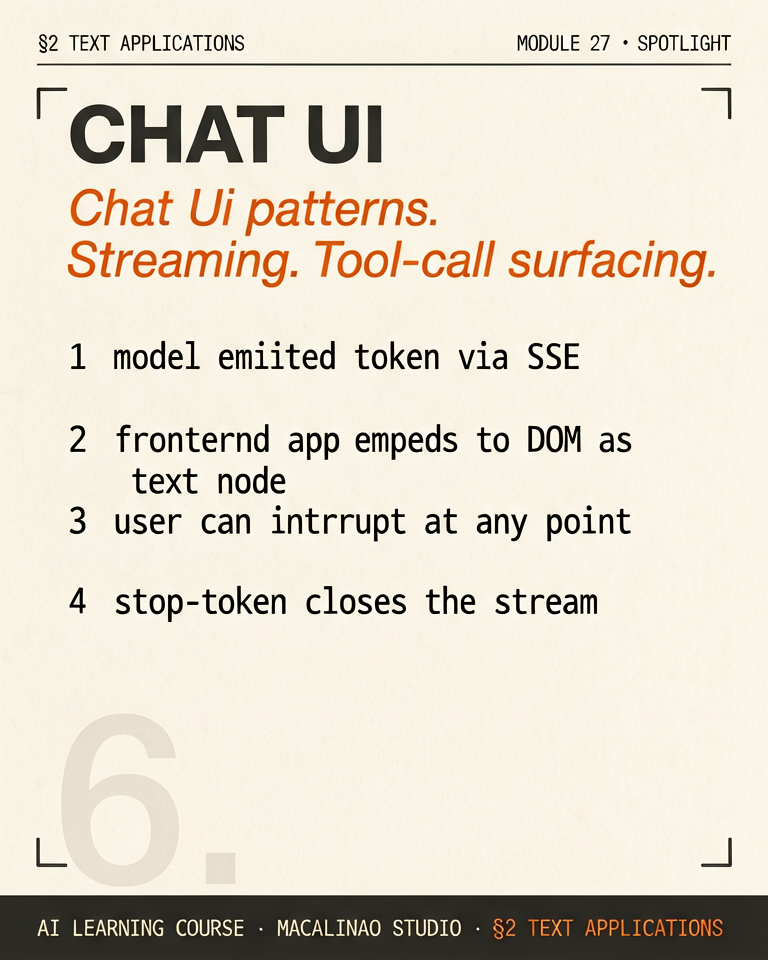
The model produces ~20–100 tokens/second; a good UI shows them immediately (server-sent events or websockets) instead of waiting for the full reply. Perceived latency is set by time-to-first-token, not total time — which is why every serious chat UI streams and why inference servers optimize TTFT separately from throughput.
TOOL CALLS
Surfacing the model's actions builds trust
When the model calls a tool — search, code execution, a database — modern UIs show a collapsed activity chip ('Searched 12 sources…') that expands to the actual call and result. Users forgive wrong answers they can audit; they abandon black boxes.
STATE
Conversation is client state, context is server state
The transcript the user sees and the token window the model sees diverge: summarization compresses old turns, system prompts stay invisible, retrieval results get injected. Designing what survives into context — and showing users when memory is being used — is most of the product engineering in a chat app.
PATTERNS
The emerging grammar of AI UIs
Suggested replies, inline citations, regenerate/branch controls, artifacts (side-panel documents the chat edits), and voice modes are converging across ChatGPT, Claude, and Gemini. The chat box is becoming an operating surface — the playground below shows the streaming + tool-call pattern in miniature.
§ 02
The lesson
How chat portals evolved from simple text boxes natively into fully functioning Interactive IDEs.
Claude introduced the "Artifact" UI model in June 2024. Instead of dumping 500 lines of raw React code into a chat log, it generates a specialized right-side panel where the HTML/React code is rendered and runs live.
OpenAI followed with the "Canvas" interface in October 2024. It uses the same side-panel pattern: users can highlight a snippet inside a large document or codebase and ask the AI to alter only that selection in place.
Gemini has standalone apps too, but its distinguishing position is Workspace embedding: it sits inside Google Docs, Gmail, and Sheets, so writers and developers can work with the model iteratively inside live documents without opening a separate chat window.
2026
The interface story moved to agents
Chat panels were round one. The 2026 surface is agentic: terminal and IDE agents (Claude Code-class tools) that edit real codebases, computer use where the model drives a screen, background and async tasks that run while you do something else, MCP connectors that turn chat into an action surface over your actual data and tools, voice modes for hands-free work, and cross-session memory so the assistant picks up where you left off.
§ 03
The playground.
Theory above, instrument below. This interactive panel runs live in the page — drag, type, and watch the mechanism respond.